






Material Tracking in Manufacturing from Warehouse to Production Line
Material tracking connects the physical movement of carriers, carts, containers, and work in progress with production records. Components move through storage, staging, assembly, inspection, and rework. Material tracking gives teams the location and movement history needed to follow those transfers across a manufacturing facility.
Connect identification with location
Barcodes and RFID identify objects at scanning points. Material tracking adds location between those recorded events. When a carrier moves without another scan, manufacturing asset tracking helps teams find it and understand its route.
Material tracking complements MES, ERP, and WMS. These applications retain production and inventory information, while the location platform supplies position, time, and zone events. Connecting the two supports material traceability without duplicating the existing business system.
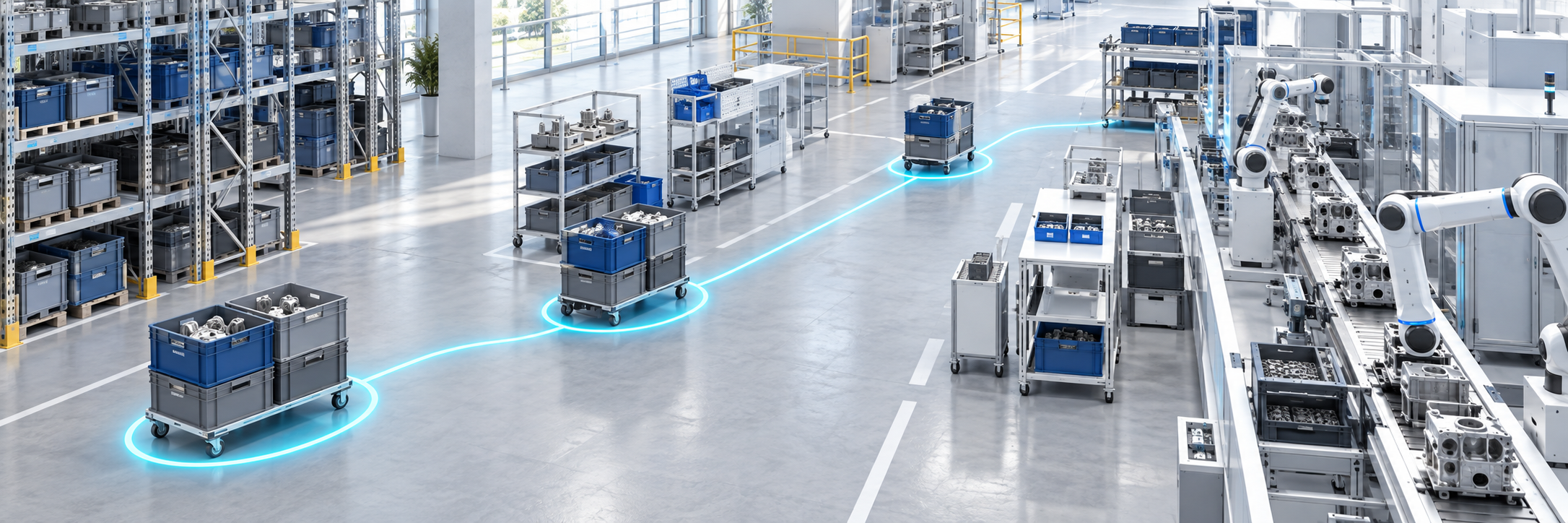
Follow materials through the process
Use material tracking to locate raw-material carts, reusable containers, production carriers, and tagged WIP. WIP tracking connects those units with their movement history. Define the areas that matter to the process: material storage, line-side delivery, inspection, rework, and empty-cart return.
Material tracking can associate a carrier with a work order when it enters a configured process. Location records then show its progress on the map. Geofences and business rules help identify abnormal transfers or materials leaving an assigned area.
Dwell-time records extend material tracking beyond the current position. Teams can see how long carriers remain in temporary storage or a production zone. Configured time limits support reminders when movement takes longer than expected.
Build the positioning architecture
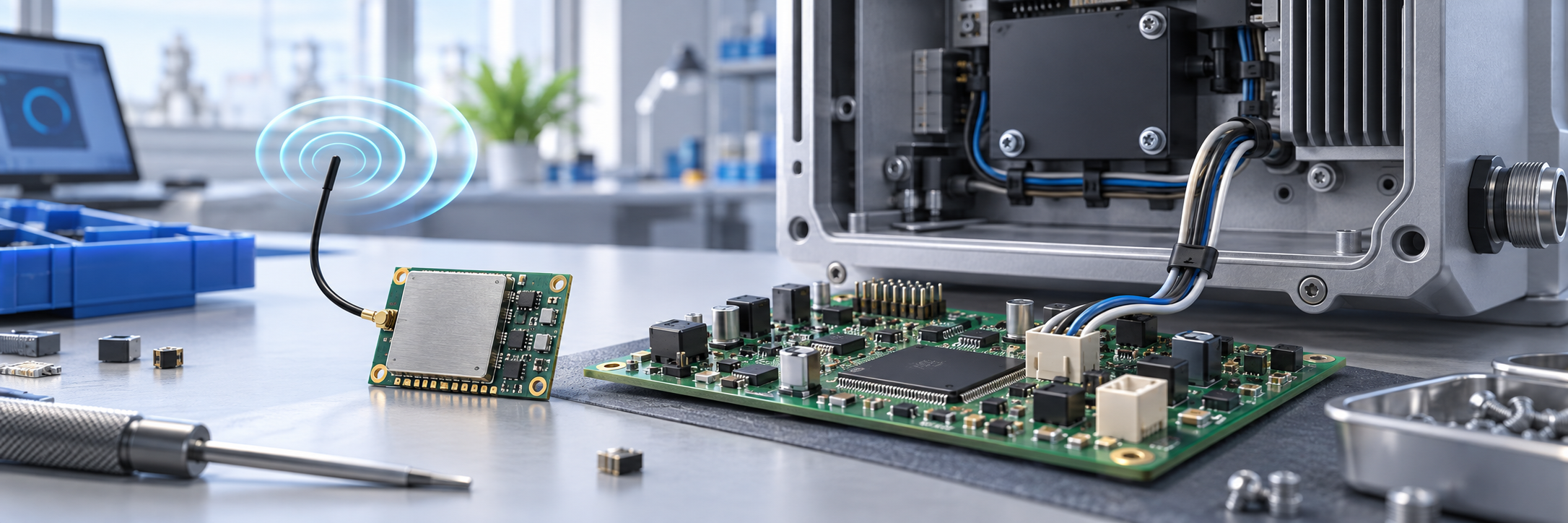
For UWB material tracking, tags attached to carriers transmit signals to fixed anchors. The positioning engine processes measurements and supplies coordinates to the application. Software displays locations, trajectories, electronic fences, and alerts.
The accuracy required for material tracking depends on the workflow. Finding a cart in a large zone differs from distinguishing adjacent workstations. Anchor placement, obstructions, tag orientation, and system configuration affect the achieved result.
Select a suitable asset tracking tag for each carrier. EFORTHINK's multi-function tag detects movement and adjusts its reporting frequency. Material tracking can therefore use more frequent updates during movement and less frequent updates when stationary, according to the selected settings.
Connect material tracking with work orders
Define the relationship between tag identity, carrier identity, and the production record. Material tracking should retain that association through process transfers and release it after configured task completion. Empty carts can then return to circulation.
Use location events in the production tracking system where they support an operational decision. Material tracking can help identify a transfer, an overstay, or an unexpected exit. Work-order completion and quality status still come from the relevant process records.
Start with a complete material loop
Introduce material tracking along a defined route, such as storage to line-side delivery or assembly to inspection and rework. Include full racks, moving forklifts, shift changes, and temporary obstructions when checking coverage and event behavior.
Review search time, queue time, and repeated movement patterns. Material tracking history helps operations teams identify long dwell periods and examine material flow. EFORTHINK supplies tags, anchors, positioning software, and integration support for material tracking across manufacturing and internal logistics.
Share your carrier designs, process map, area dimensions, and system interfaces with EFORTHINK to plan material tracking for your production workflow.